 我的开源
我的开源
prometheus&grafana监控初体验
背景
自己手里的主机数超过了3台,于是需要一个监控系统。
prometheus&grafana监控方案,原理类似ELK组合。
- node-exporter:收集主机metrics信息
- prometheus:拉取、存储和查询服务,定时从exporter拉取数据进行保存
- grafana:展示服务,将这些数据通过网页以图形的形式展现给用户
初体验
主节点安装prometheus
sudo apt-get install prometheus
prometheus端口9090,用浏览器打开可见页面 http://localhost:9090。
绘制metric图
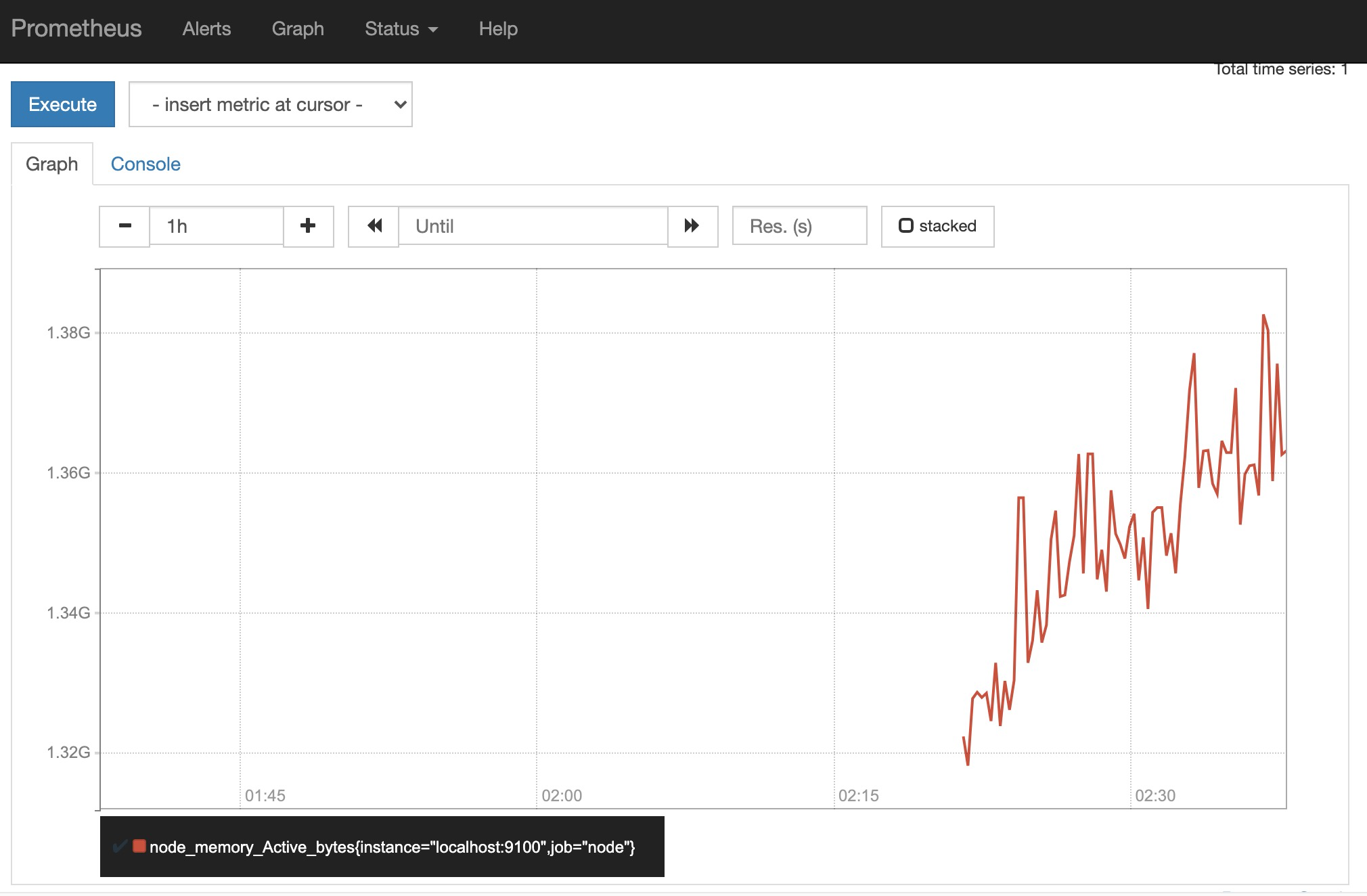
输入指标 node_memory_Active_bytes,点Graph,可见图形,表明prometheus安装成功。
prometheus-node-exporter端口为9100,打开可见一组metric信息。
默认每5秒请求一次metric
从配置文件中可见,默认每5秒请求一次metric信息。
# Override the global default and scrape targets from this job every 5 seconds.
    scrape_interval: 5s
    scrape_timeout: 5s
从节点安装prometheus-node-exporter
sudo apt-get install prometheus-node-exporter
修改主节点配置 /etc/prometheus/prometheus.yml,将从节点机器地址加进来。
然后重启主节点 prometheus 服务。
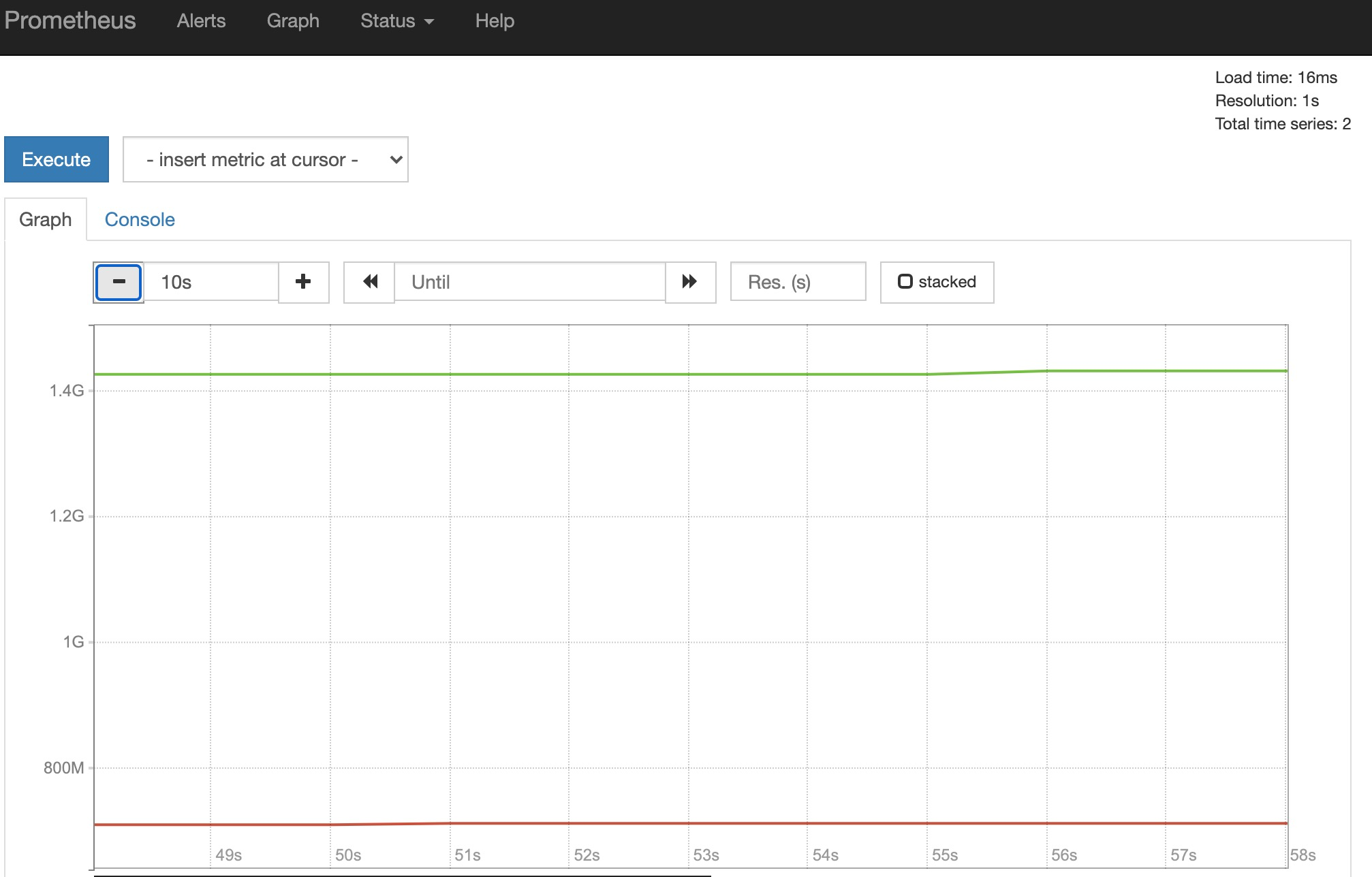
可见主节点上,又多了一台主机。
安装 grafana
deb包安装
debian源中默认没有grafana,这里选择用deb包安装。
wget https://dl.grafana.com/oss/release/grafana_7.5.2_amd64.deb
sudo dpkg -i grafana_7.5.2_amd64.deb
启动服务
sudo /etc/init.d/grafana-server start
访问服务

admin/admin
添加Prometheus数据源
导入dashboard:https://grafana.com/grafana/dashboards/1860